
Location is how DudesNude connects you with dudes who are actually reachable. Set it once and it flows through the whole site: the Nearby list, the distance shown on every profile, Travel plans, and location sharing in messages. Everything that needs to know where you are reads from the same pin on the map.
Setting your location on the map
Click 'Set new location' to open the interactive map. If you already have a home location saved, the map opens there. If this is your first time, it defaults to New York.
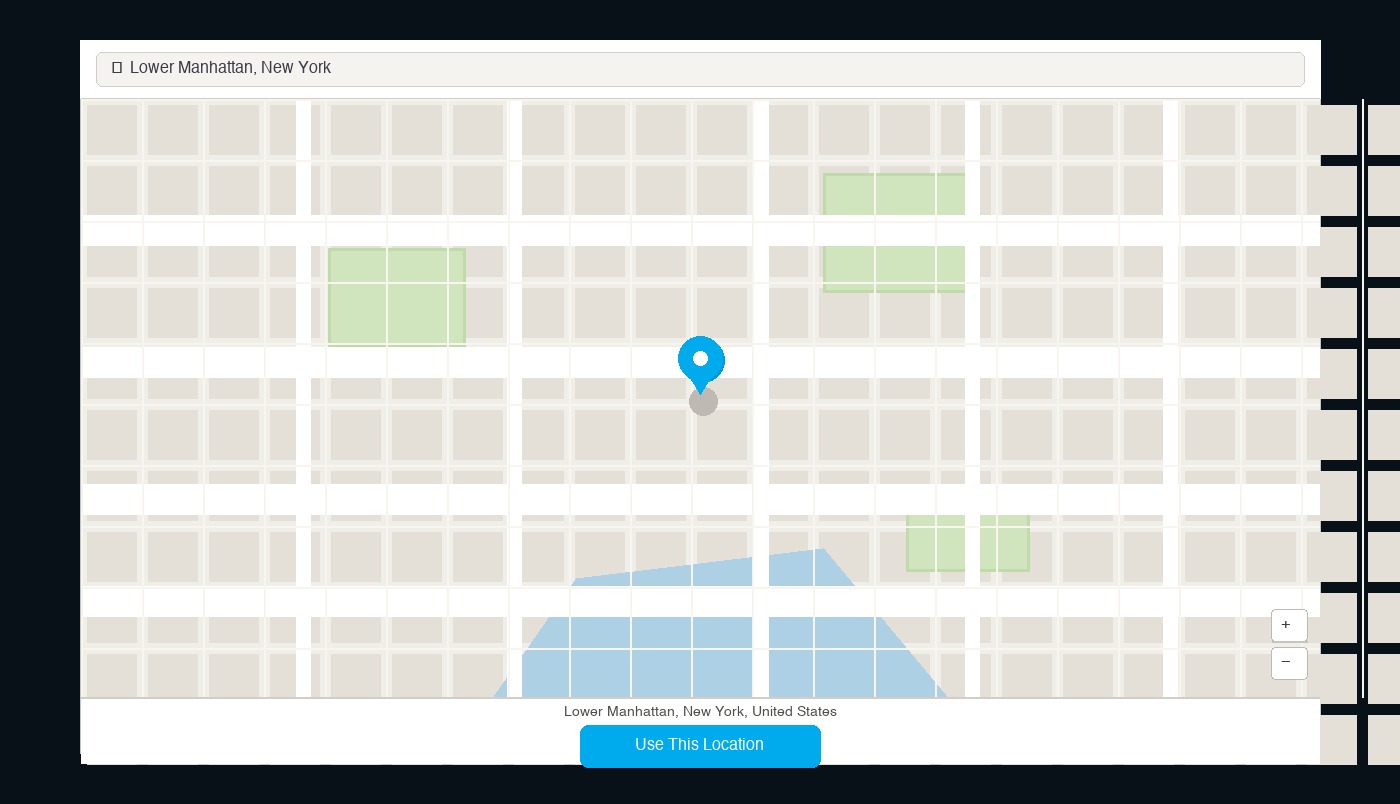
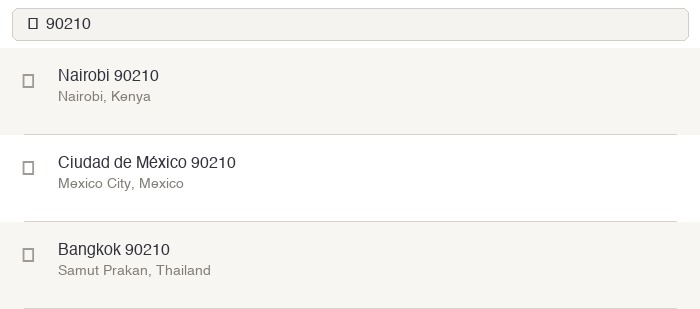
Above the map is a search box. Type your town name, city, or zip/postal code — matching options appear in a dropdown below. A few search tips that help:
If your zip code alone doesn't return the right result, add the town or neighbourhood name. For example, 90210 by itself returns locations in Kenya, Mexico, and Thailand — but 90210 Beverly finds Beverly Hills immediately.
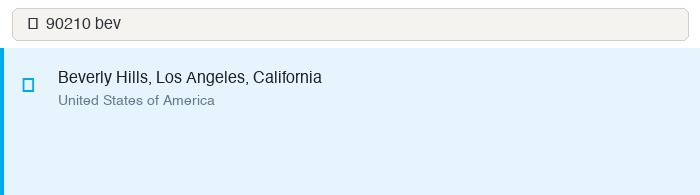
Click any result in the dropdown and the map centres on that location with a pin placed automatically.
Placing the pin exactly where you want it
If the search isn't finding the right place, skip it entirely — the pin is fully draggable anywhere in the world. Zoom out to find your region, then drop the pin where you want it.
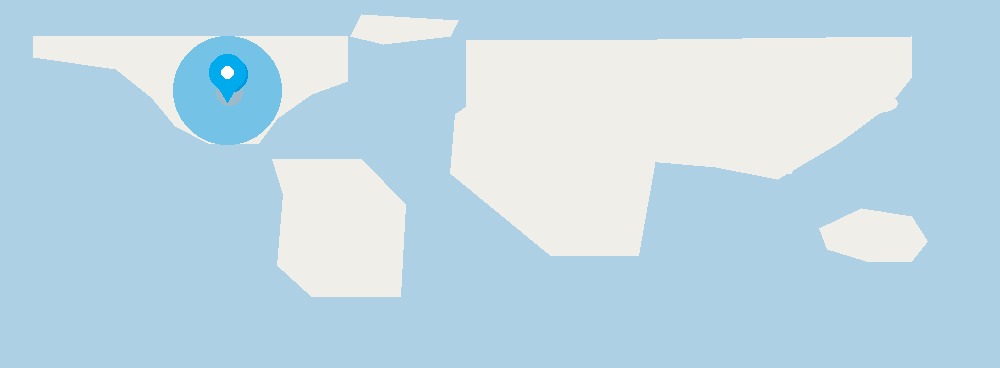
Zoom in with the scroll wheel on a mouse, or pinch with two fingers on mobile. There are also + and − zoom buttons in the bottom-right corner of the map. Drag the map itself to keep the pin in view while you position it.
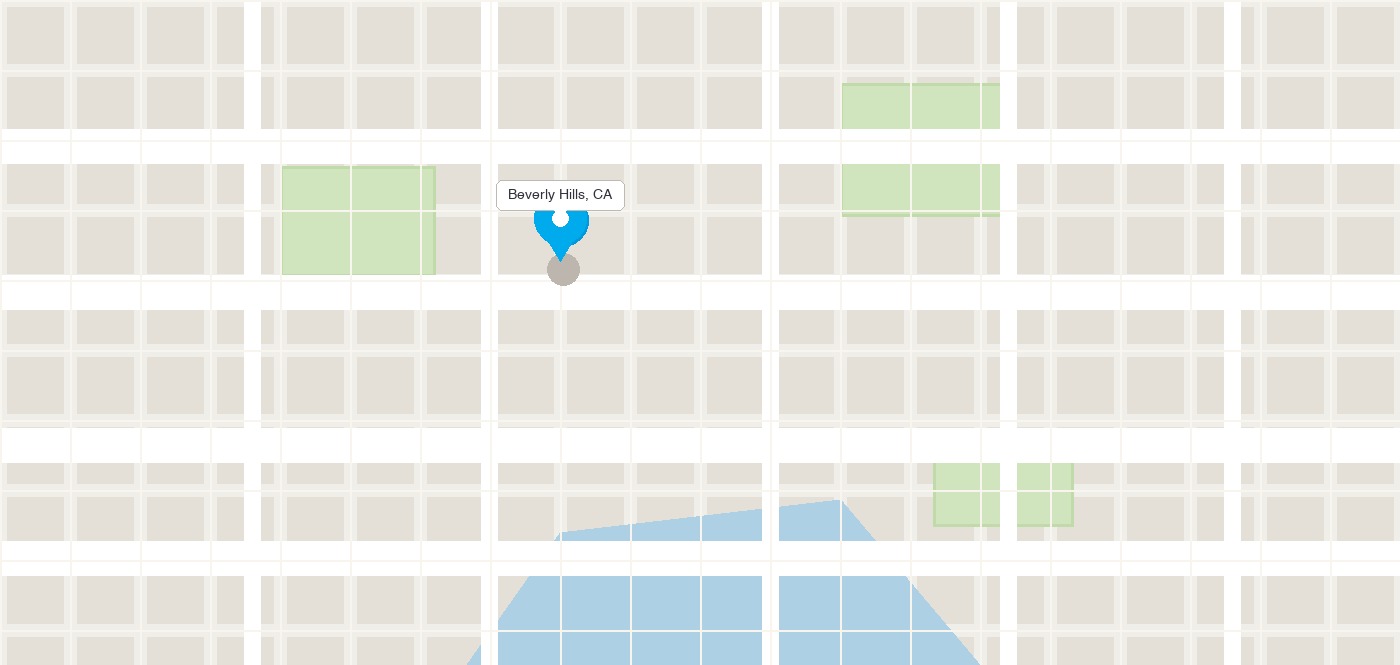
When the pin is in the right place, click 'Use this location' below the map.

You're returned to wherever you came from — account settings, travel plans — with the new location saved.
Home location and travel plans
The same map interface is used in two places:
Home location — set in Account Settings. This is your base location, the one that shows when you're not travelling. It's what other dudes see as your distance when you're at home.
Travel plans — add a destination and date range. When the travel window is active, your distance shows from that location instead of home. Nearby dudes at your destination can find you before you even arrive — useful for planning ahead or lining something up on a work trip.
Privacy and precision
DudesNude never shows your exact coordinates to other members. Distance is displayed as a rounded figure — enough to know whether someone is across town or in the next country, not enough to pinpoint a building or street. You can set the pin anywhere: your neighbourhood, your city centre, or anywhere else that gives you the right area without being too specific.
If you'd rather not share any location at all, you can leave the field blank. You'll lose distance display and won't appear in Nearby searches, but nothing else is affected.
This approach is intentionally different from platforms like Sniffies, which broadcast your live GPS position continuously. DudesNude shows distance from a saved point — you are always in control of where that point is, and it only updates when you move it. See how DudesNude compares to Sniffies →
Ready to get on cam?
Sign-up takes a few minutes, your profile is reviewed within 24 hours, and you're in the cam room.